Every April, our students put their creative minds to work crafting poems that surprise, delight, and occasionally make us tear up a little. While we're taking a break from the contest this year, we're not taking a break from celebrating literacy. In OCSD62, a love of reading and writing is something we champion every single day, not just in April.
So instead of a poetry contest, we're shining a spotlight on one of the awesome literacy resources we provide to every student in our district — one that a lot of families may not even know they have.
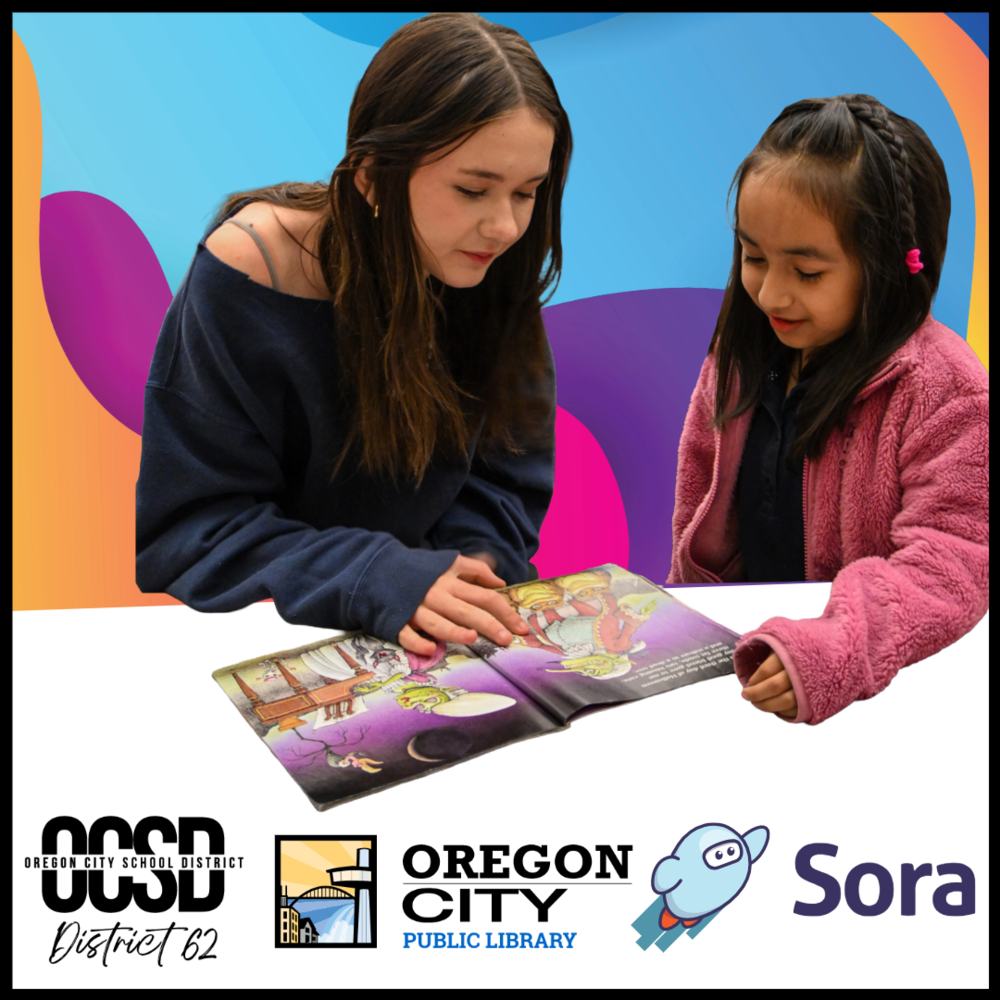
Reading doesn't stop when the school day ends — and we're making sure our students have what they need to keep going. Through Sora, a free digital reading app provided to every OCSD student, families have access to a full library of ebooks, audiobooks, graphic novels, magazines, and more — available on any device, any time of day, at no cost.
Whether your child is a passionate reader looking for their next favorite series, a student working through an assigned text, or a learner who reads better when someone reads along with them, Sora is built to meet them where they are.
What Is Sora?
Sora is an award-winning digital reading platform designed specifically for K–12 students. Think of it as your child's school library — available 24 hours a day, seven days a week, from any phone, tablet, laptop, or computer. Students log in with their existing school username and password, and they're in. No separate account. No fees.
The app includes thousands of titles across every genre and reading level, from picture books and read-alongs for our youngest readers to novels, nonfiction, and curriculum texts for high schoolers. Books are curated to be age-appropriate, so families can feel confident about what their students are exploring.
Two Libraries in One
Here's something every OCSD family should know: through our partnership with Oregon City Public Library, every student also has access to the Oregon Digital Library Consortium's digital collection — right inside the Sora app. That means if a title isn't available through the school library, there's a good chance it's available through the public library, all without leaving the app or creating a separate account.
Two libraries. One app. Zero cost.
Built for Every Kind of Reader
No two readers are exactly alike, and Sora doesn't treat them that way. The app includes a full suite of accessibility and customization features designed to support students with a wide range of learning needs and preferences:
Read Aloud — Any word, sentence, or paragraph in an ebook can be read aloud with the tap of a button, helping students follow along, build fluency, and stay engaged with the text.
Dyslexic-Friendly Font — A specialized font designed to reduce visual crowding and improve readability is available throughout the app and for individual titles.
High Contrast Mode and Adjustable Display — Students can customize text size, font type, color settings, and brightness to create a reading experience that works for their eyes.
Audiobook Narration Speed Control — Speed up or slow down audiobook narration to match how a student best processes information.
Multilingual Support — The app interface is available in 13 languages, and the collection includes hundreds of bilingual and world language titles. A built-in dictionary and Google Translate integration allow students to look up words and translate on the spot without ever leaving the app.
Screen Reader Compatibility — Students who use screen readers can browse, borrow, read, and listen fully within the Sora app.
These features are available to every OCSD student automatically — no extra steps, no forms, no referral required.
Reading Every Day Makes a Real Difference
The research is clear: students who read consistently build stronger vocabularies, sharper critical thinking skills, and better performance across every subject. The good news is it doesn't take hours — even 15 minutes of daily reading adds up significantly.
Sora helps students build that habit with built-in tools designed to keep them motivated:
Daily Reading Goals — Students can set a personal goal anywhere from 5 to 60 minutes a day, building reading stamina at a pace that works for them.
Progress Tracking — The app tracks total time read, books completed, and reading streaks, so students can see their growth over time.
Achievements and Badges — Sora rewards reading milestones with badges and achievements, making consistent reading feel like something worth celebrating — because it is.
Notes, Highlights, and Annotations — Students can highlight passages, take notes, look up words, and export their annotations to Google Drive or a PDF — tools that support deeper reading and make Sora useful for class assignments too.
Getting Started
Starting is simple:
Access this resource through a web browser by signing in to your student's Classlink and selecting the Sora app. OR Download the Sora app from the App Store or Google Play, OR visit soraapp.com on any browser.
Search for Oregon City School District.
Log in with their school username and password via Classlink.
Start reading.
To connect Oregon Digital Library Consortium's collection, students can select that option in the upper right dropdown menu inside the app using their student login as well.
📚 Learn more and download Sora: discoversora.com
Questions about Sora? Reach out to your child's school!